Icons
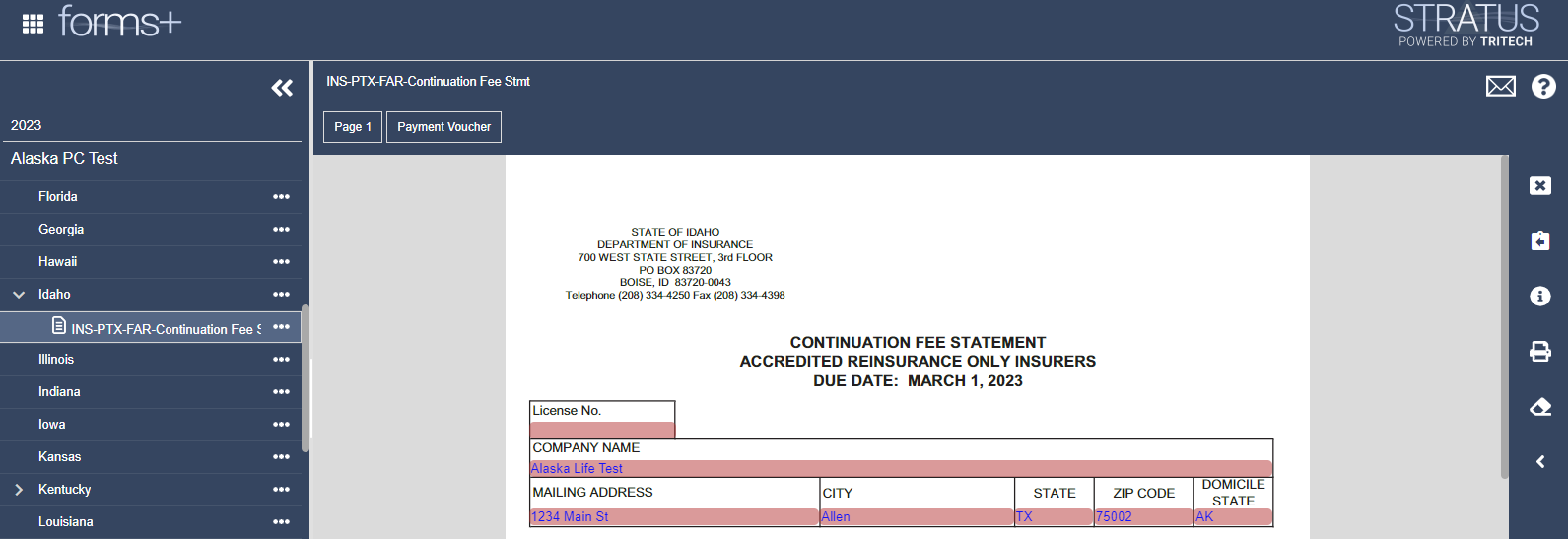
Once a form has been opened, a set of icons will appear on the right side of the screen to help you prepare, review, and file your return. The icons available may vary depending on the type of form or page currently open.
The sections below will explain what each icon means and provide additional tips and examples for how they are used throughout the filing process.
 Prior Year Filing
Opens the prior year filing for the selected return, if one is available.
 Return Instructions
Opens the instructions for the selected return.
 Download Return
Downloads a copy of the selected return.
 Attachments
Opens the attachment window for the selected filing, where supporting documents can be attached or viewed.
 Notes
Notes
Opens the notes window for the selected filing, where notes can be added or viewed.
 Edit / Markup
Opens the markup tools for the selected filing. Markups can be used during review to highlight information or apply stamps, such as “Amended Filing,” for record-keeping purposes.
 Version History
Opens the version history for the selected filing, where previous versions can be viewed.
Related Articles